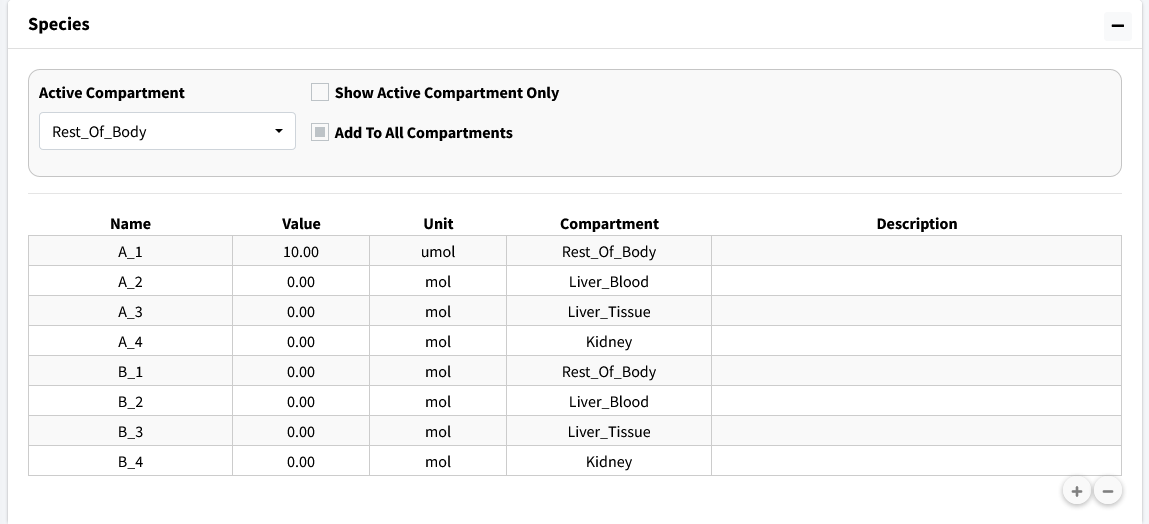
Define Variables
There are two variables (A & B) to add to all four compartments. We will make use of the “Add To All Compartments” option to quickly add the same species to all compartments.
Steps:
Select the “Add To All Compartments” checkbox.
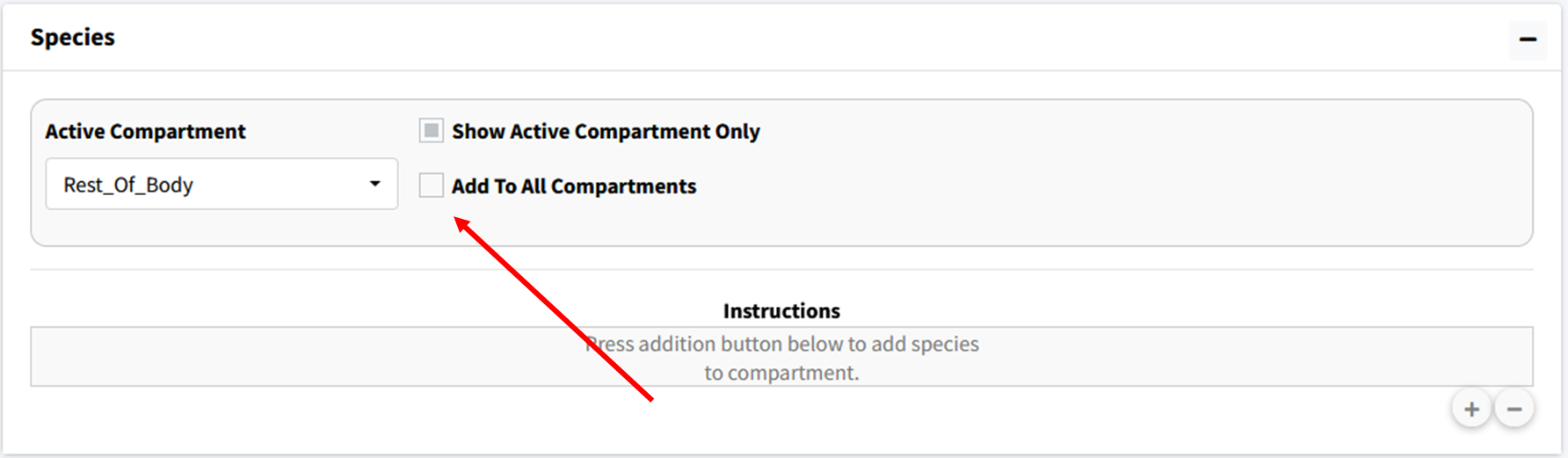
Press the “+” button to generate a popup.
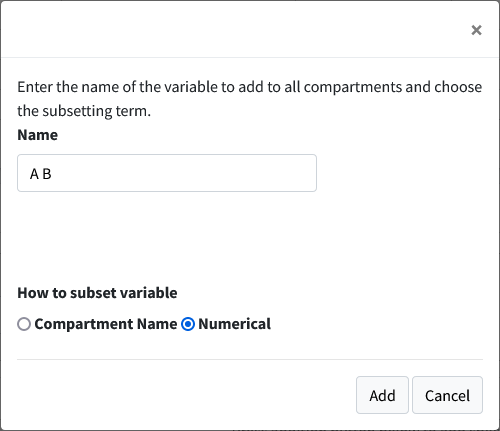
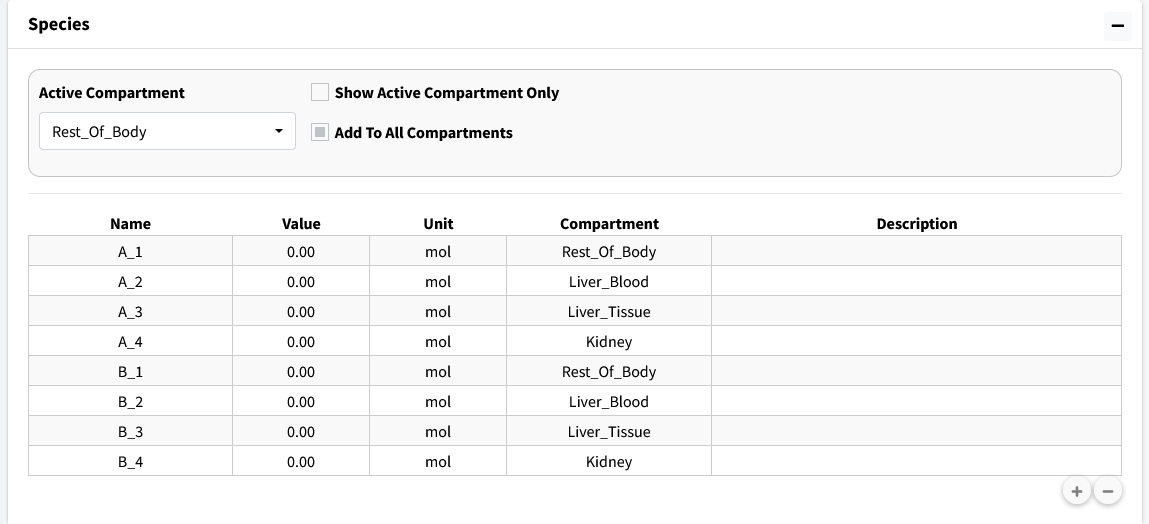
In Popup type “A B” separated by a space. Check “Numerical” instead of “Compartment Name” and press the add button. This will add the variables A_1, A_2, A_3, A_4, B_1, B_2, B_3, and B_4 to the model.
Unselect the “Show Active Compartment Only Checkmark” to see all the species in the model.
Change the concentration of A_1 to match the initial condition table.